07/03/2023 • PC security
Your PC may be infected - protect yourself now!
07/03/2023 • PC security
Protect your PC: Important measures and resources to secure your digital world!
01/18/2024 • Backup software
ISO/IEC 27001 and the importance of backups: A comprehensive overview with Langmeier Backup
08/14/2023 • Data backup
The importance of image backups and emergency media: your savior in times of need
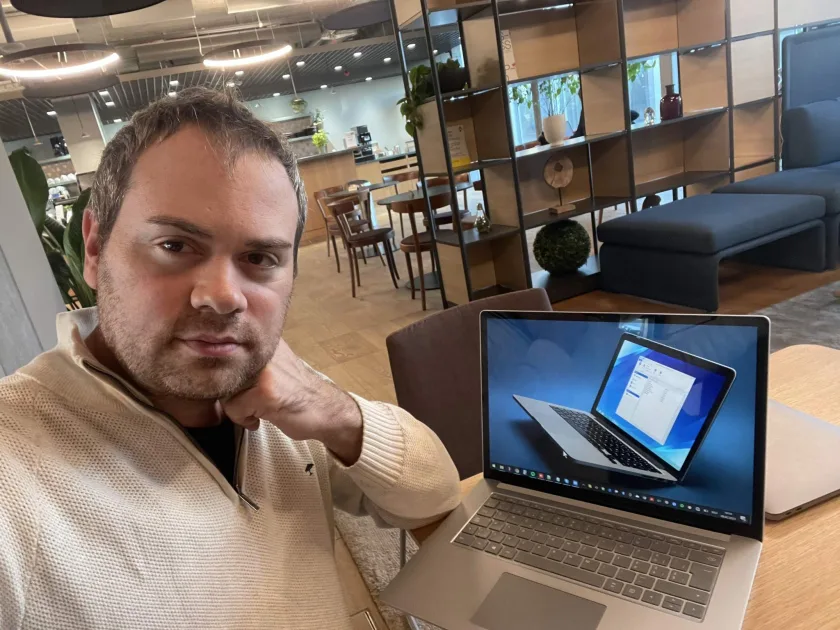
"An image backup is like an insurance policy for your computer," says founder Urs Langmeier
02/07/2023 • Press Release
Langmeier revolutionizes data backup with Langmeier Backup 12

05/18/2023 • Data backup
Surrounded by dangers: Ransomware attacks and how to defend your data
The impregnable data fortress: A safe haven from the dangerous clutches of ransomware.
01/24/2024 • Statistics 2024
Data loss and cyber threats: A look at current statistics and protective measures
08/27/2026 • Tips and Tricks
Shortcut no longer starts the backup job: Create a new shortcut in Langmeier Backup
If the shortcut only opens the program window, simply move it to a new location in Langmeier Backup: Select the job, then choose "Place shortcut on the desktop."
06/21/2024 • IT Security
"Everything is frozen": Third day of cyberattack paralyzes 15,000 car dealerships
12/15/2024 • Backup software
Backup for Windows 10: How to back up your data to an external hard drive
08/05/2023 • IT Security
IT security: Recognizing and countering human error as a security vulnerability
06/26/2017 • Langmeier Backup
Security against data loss with Windows Backup
01/14/2016 • Langmeier Backup FAQ
How can I create a Windows image backup? (In the year 2026)
03/02/2015 • Langmeier Backup FAQ
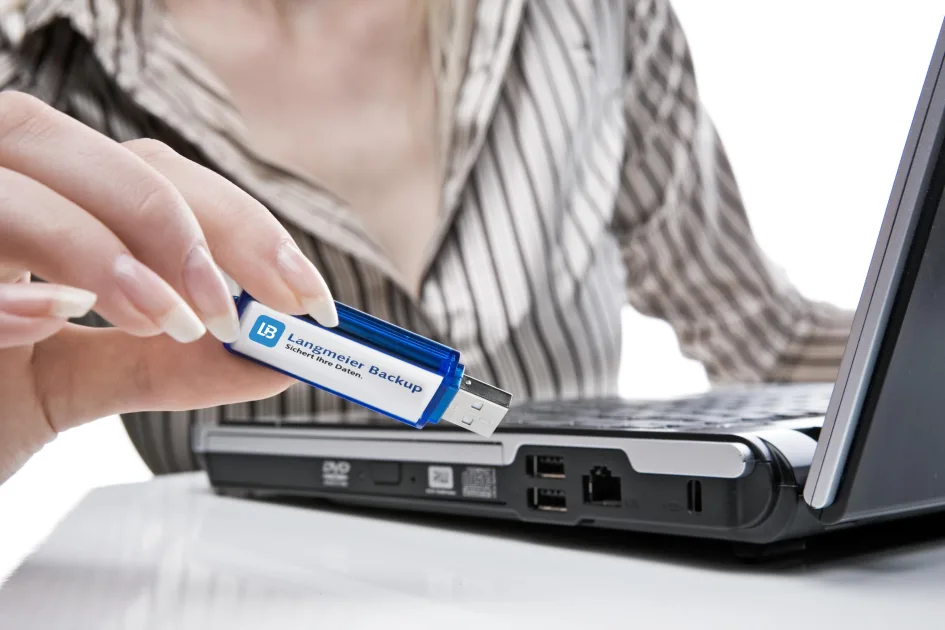
Why can't I create a bootable medium from my USB stick?
02/26/2013 • Langmeier Backup FAQ
Back up Windows system folders correctly
01/24/2011 • Langmeier Backup FAQ
Backing up a partition with Windows encryption enabled
03/26/2024 • Backup management
Backup tests and disaster recovery exercises: Why they're critical
12/14/2015 • Langmeier Backup
Which data to back up? How to make the right decision!
11/13/2021 • IT Security
The complete guide to cyber security and the fight against cybercrime
07/06/2023 • Data backup
How do I back up my data on my PC?
08/27/2026 • Backup software
What's really inside an image? Recover individual files and properly identify the recovery medium
An image allows you to extract individual files while the system is running. To restore the operating system, you'll need a recovery medium. We'll show you what your image is really capable of.

01/23/2026 • aBusiness FAQ
Why AI can fail in the company due to data
Why AI in the company can fail because of data - Find out why unstructured data jeopardizes the foundation for successful AI projects and how the aBusiness Suite closes this gap.
12/28/2012 • Langmeier Backup FAQ
Restore Windows operating system like a pro
02/15/2013 • Langmeier Backup FAQ
Successfully back up and restore Windows permissions
06/19/2026 • Software development
Revitalizing the Dinosaur: How to Catapult Legacy Windows Apps into the Year 2026
Learn how to catapult your legacy Windows apps into the year 2026 s and modernize them without having to completely rewrite the code. Discover survival strategies for Unicode, DPI awareness, UI design, and more!
08/05/2023 • Langmeier Backup
This is how it works: Online backup with Langmeier Backup
08/31/2025 • Business & IT
3 good reasons to switch your default search from Google to Bing
08/27/2026 • Backup software
Encrypted Cloud Backup: Why the Recovery Strategy Matters
AES-256 reliably protects your backup. The recovery path determines whether you can resume operations after a total failure. You should clarify these points in advance.
08/26/2024 • IT Security
The eight essential measures for cyber protection and IT compliance
08/06/2023 • Business & artificial intelligence
The future of management: digital watchdogs and artificial intelligence
08/27/2026 • Backup software
Restore an image on a new computer: Windows won't start
Windows won't start on the new computer—using the Startup Repair tool gets it running again. The data in the image is complete.


 Brochure