PC security
Your PC may be infected - protect yourself now!
If you suspect that your PC is infected, it is important to act immediately to prevent possible damage and the loss of sensitive data. In this article, we provide you with important information and solutions to protect your PC and fight infections.
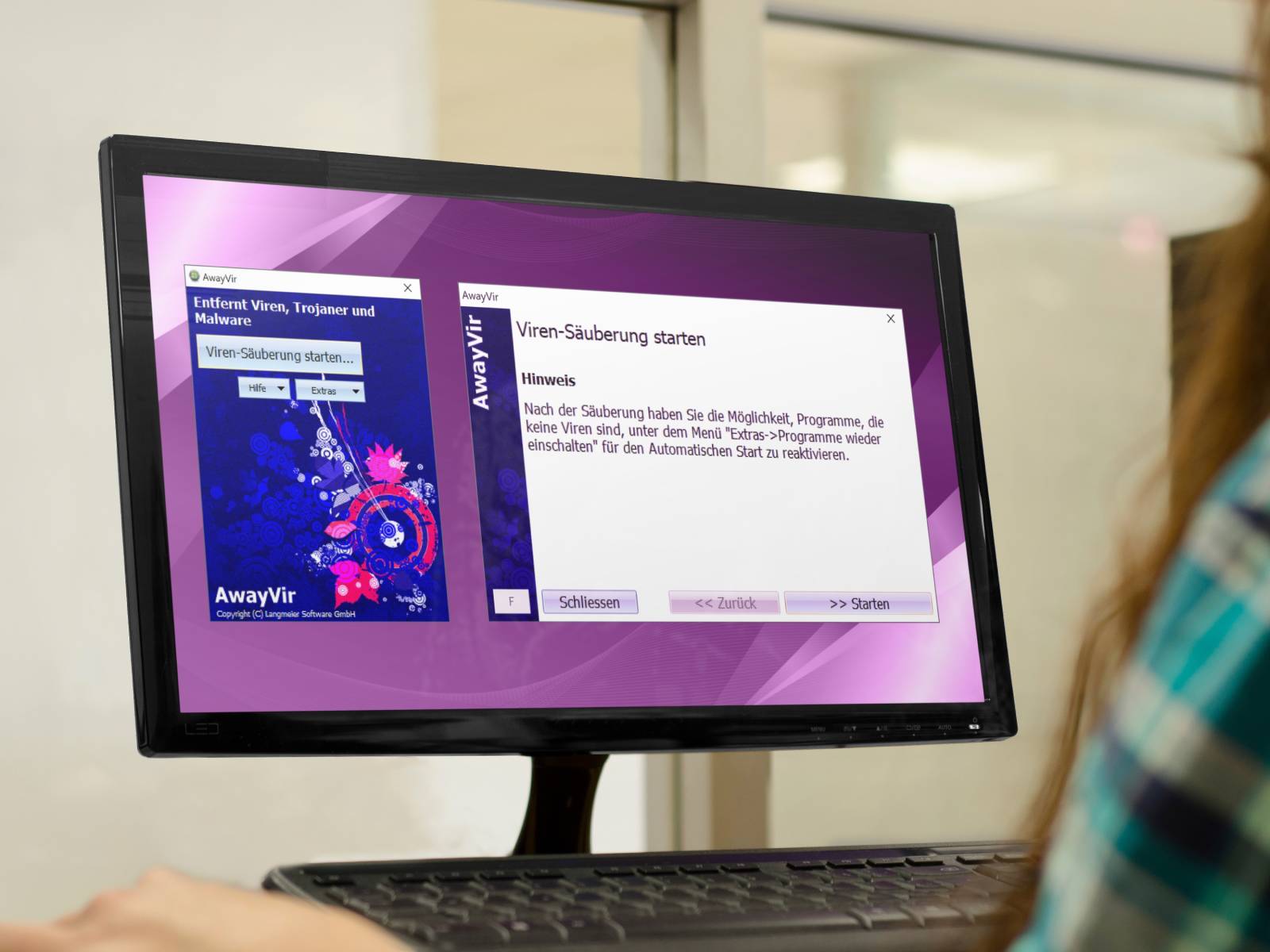 Prevention is better than cure: secure your PC from the outset with an antidote just in case.
The following signs indicate that malware is active on your system:
- Sudden pop-ups and ads in the browser
If you suddenly see an unusual number of pop-ups and ads while surfing, your PC could possibly be infected. These pop-ups and ads can lead to malicious websites or contain malicious code.
- Slow PC and frequent crashes
Malicious software and malware cause a slow PC and frequent crashes by consuming resources, corrupting files, or starting unwanted processes and accessing the Internet, or even mining Bitcoin for an attacker.
- Unexplained internet data transfer
If you notice that your internet data is being used up faster than expected or that your internet connection is unusually slow, it could be that your PC or a program is inexplicably transferring data in the background.
- Unwanted search engines
Malware often installs unwanted search engines to redirect the user to fraudulent websites, collect personal data, display advertisements or perform other malicious actions.
You can take the following steps if you suspect that your computer is infected by malware.
Disconnect your PC from the Internet:
The first step is to disconnect your PC from the Internet immediately. There is a risk that your PC is being remotely controlled, spied on or used to spread spam. Sophisticated malware can download additional malware from the Internet and even infect other computers on your network. To avoid this, switch off all other PCs or disconnect them from the router if you need temporary internet access for your suspect PC.
Check your virus scanner:
Next, check your installed virus scanner. If you receive a warning message, note the appearance of this message. A suddenly different-looking warning message from an unknown virus scanner is a sure sign of an infection. Be wary of fake antivirus messages that try to get you to not trust your installed security program and purchase a new antivirus program. Do not click on such links that may lead to fraudulent websites. Save files that are being processed and shut down the PC. Restart the PC in "Safe mode without network" and uninstall the suspicious software. If this does not work, reset the system to a previous state.
Tip: Use our partner network and find an expert IT partner in your area to help you with these steps.
Stop all potentially harmful processes with "AwayVir":
If the oldest system restore point doesn't go back far enough, you may be able to get ahead with the "AwayVir" program. You can obtain the program from the Langmeier website. Install the program in safe mode or start the portable version from a USB stick.
AwayVir deactivates all processes that are not part of the operating system. This puts the operating system in a state similar to that after a new installation. It is highly likely that all malicious processes will be deactivated, after which an antivirus program can remove the inactive remnants and clean the system further.
For prevention purposes, a program such as AwayVir should always be installed on the computer so that it does not have to be downloaded and installed first if necessary. This is because once malware becomes really active, it is often no longer possible to connect to the Internet.


 Brochure